If you’ve been hearing the term “IPTV” lately and wondering what it means, you’re not alone. More and more people are ditching expensive cable packages in favor of a smarter, more flexible way to watch TV. In this guide, we’ll break down exactly what IPTV is, how it works, and whether it’s the right choice for you.
What Does IPTV Stand For?
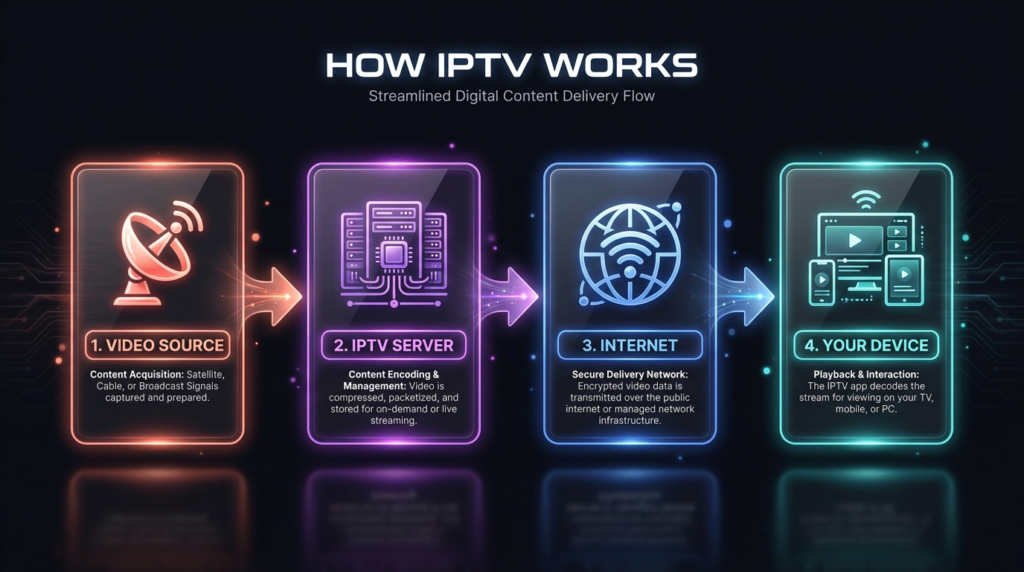
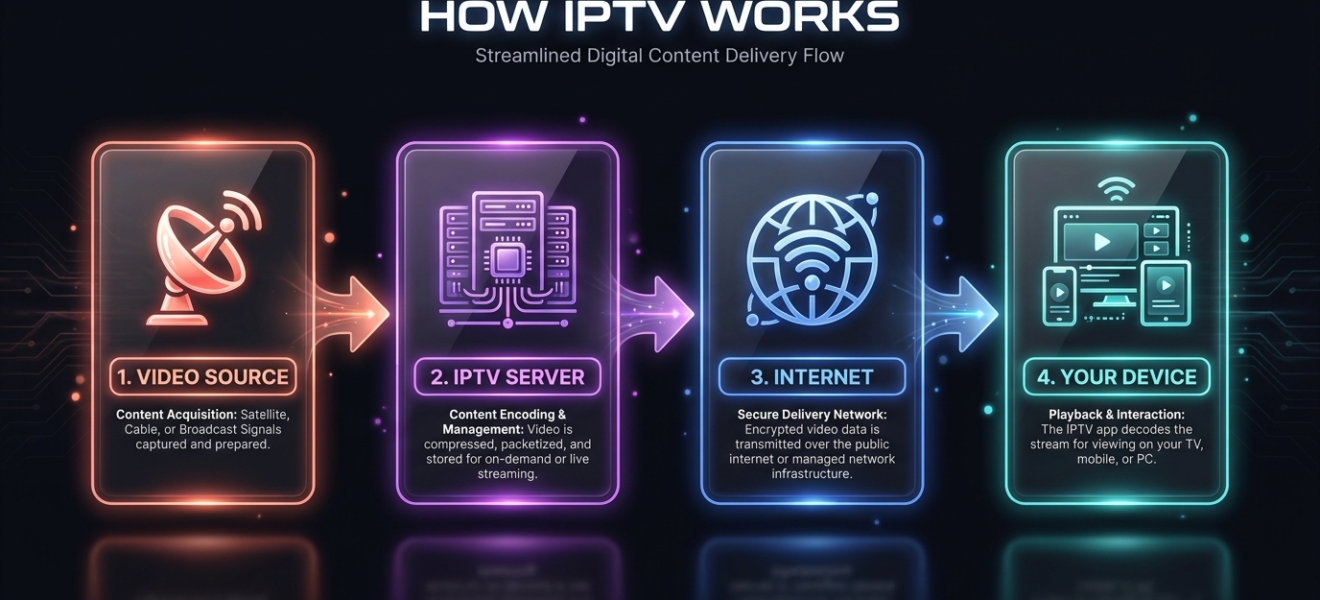
“Infographic showing how IPTV works in four steps: video source, IPTV server, internet connection, and your device — with icons and color-coded cards on a dark background.”
IPTV stands for Internet Protocol Television. In simple terms, it’s a way of delivering television content over the internet rather than through a traditional satellite dish or cable connection.
Instead of receiving TV signals broadcast through airwaves or cables, IPTV streams video content directly to your device using your home broadband or mobile data connection — the same way YouTube or Netflix delivers video to you.
How Does IPTV Work?
Traditional TV sends a broadcast signal to everyone at the same time. IPTV works differently: content is delivered on demand, in real time, through your internet connection.
Here’s the basic process:
- A video source (live channel, movie, or show) is encoded into a digital format.
- It’s sent over the internet to an IPTV server.
- You request that content through an IPTV app or player on your device.
- The server streams it directly to your screen.
This means you only receive what you’re actually watching — no wasted bandwidth, and much more flexibility over what you watch and when.
Types of IPTV Services
There are three main types of IPTV content:
1. Live TV Streaming
This is the closest to traditional television. You watch channels in real time — news, sports, entertainment — just as they broadcast. The difference is it all comes through your internet connection.
2. Video on Demand (VOD)
VOD lets you browse a library of movies and TV shows and watch them whenever you want. Think of it like a rental store, but instant and available 24/7.
3. Time-Shifted TV
This allows you to watch content that was broadcast earlier. You can rewind live TV or catch up on shows you missed — without needing a physical DVR box.
What Devices Can You Use for IPTV?
One of the biggest advantages of IPTV is how many devices support it. You can watch on:
- Smart TVs (Samsung, LG, Android TV)
- Smartphones and tablets (iOS and Android)
- Amazon Fire TV Stick or Roku
- Computers and laptops (via browser or app)
- Set-top boxes (MAG boxes, Formuler, etc.)
Most IPTV services use a file format called M3U or an Xtream Codes login to connect your subscription to a compatible player app.
What Are the Benefits of IPTV?
IPTV has grown in popularity for good reasons:
- Cost savings — IPTV subscriptions are typically far cheaper than traditional cable or satellite packages.
- More channels — Access thousands of channels from around the world, including international content not available locally.
- Flexibility — Watch on any device, anywhere, as long as you have internet access.
- No contracts — Most IPTV providers offer monthly plans with no long-term commitment.
- HD and 4K quality — Many services offer high-definition and even 4K streams, depending on your internet speed.
What Internet Speed Do You Need for IPTV?
Your streaming quality depends heavily on your internet connection. Here’s a rough guide:
| Stream Quality | Recommended Speed |
|---|---|
| SD (Standard Definition) | 5 Mbps |
| HD (720p / 1080p) | 10–25 Mbps |
| 4K / Ultra HD | 50 Mbps+ |
A stable, wired (Ethernet) connection will always give you better results than Wi-Fi, especially for live sports or HD content.
Is IPTV Legal?
This is a common question — and the answer depends on the service you use.
Legal IPTV includes well-known platforms like Hulu Live, Sling TV, YouTube TV, and DAZN. These services have proper licensing agreements with content providers.
Unlicensed IPTV services, on the other hand, stream channels and content without permission from copyright holders. Using these services may violate copyright law in your country, and their reliability can be inconsistent.
Always research any IPTV provider before subscribing, and make sure you understand the legal framework in your region.
How to Get Started with IPTV
Getting started is simpler than most people expect:
- Choose a reputable IPTV subscription that covers the channels or content you want.
- Download a compatible IPTV player (popular options include TiviMate, IPTV Smarters, or VLC).
- Enter your subscription credentials — usually an M3U URL or Xtream Codes login.
- Start watching.
That’s really all there is to it. No installation technician, no satellite dish, no lengthy setup process.
IPTV represents a major shift in how people consume television. It’s flexible, affordable, and increasingly the go-to choice for cord-cutters around the world. Whether you’re looking to replace your cable subscription or simply add more viewing options, IPTV is worth exploring.
As with any technology, the key is choosing the right provider and the right setup for your needs.
Looking for a reliable IPTV subscription? Learn more about our plans and start streaming today.
Watch Every Match Without Blackouts
watchphoot carries 10,000+ channels across all your devices — one subscription, no geo-blocks, no contracts.
See Plans from $8.99/mo →