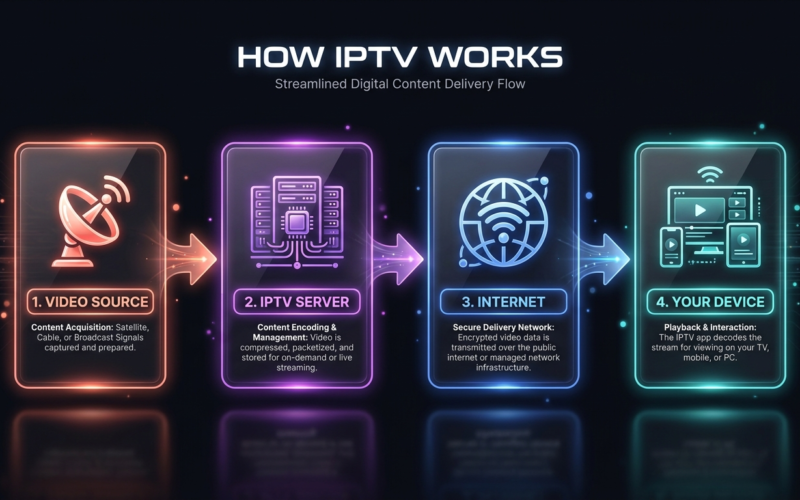

Plex and Jellyfin are the streaming services you actually own — and they’re better than you think
Here’s a scenario that will feel familiar to anyone who has spent the last year watching their streaming bills quietly balloon into something unrecognisable.
You open your phone to watch a film. You check Netflix — not there. You check Disney+ — not there either. You try Prime Video, and it’s there, but only if you pay an extra £3.99 to rent it. The film came out four years ago. You’ve already paid for it once, on a Blu-ray sitting on a shelf somewhere in your flat.
At some point, a reasonable person has to ask: is there a better way?
There is. It’s called running your own media server. And thanks to two pieces of software — Plex and Jellyfin — it’s no longer the exclusive territory of Linux-obsessed hobbyists with a shelf full of hard drives and too much time on their hands. Anyone can do this. And increasingly, anyone should.
What Even Is a Media Server?
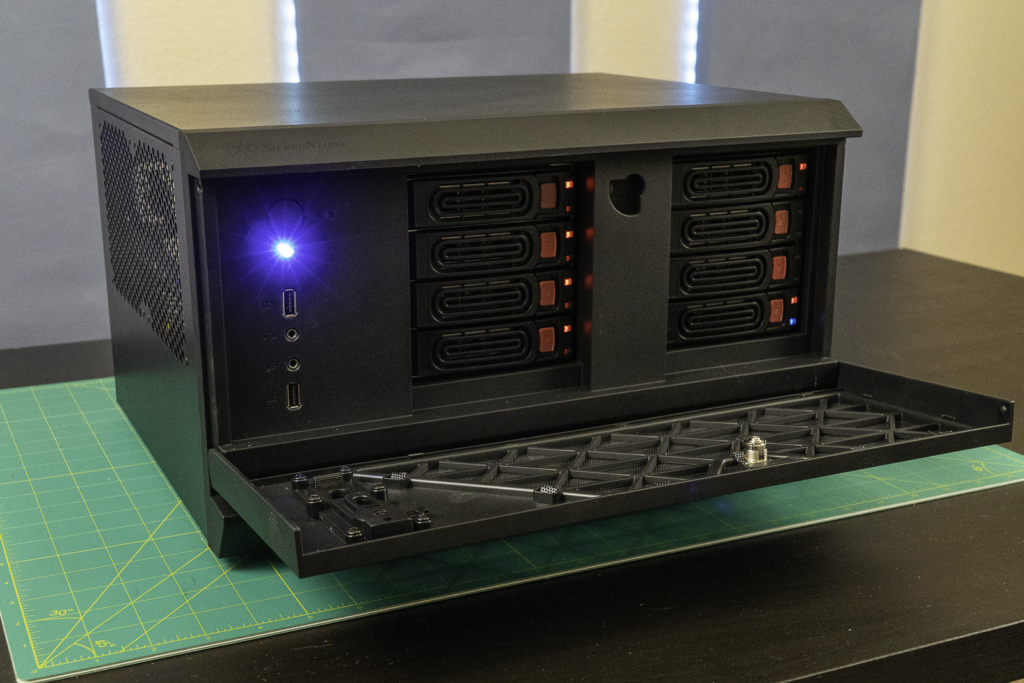
Think of it like this. Netflix is essentially a massive hard drive owned by a corporation, connected to the internet, with a pretty interface on top. When you stream something, you’re accessing their hard drive from yours.
A personal media server flips that model. You are the hard drive. You are the server. You load it with your own films, TV shows, music, and home videos, and then you stream from yourself — to your TV, your phone, your laptop, your tablet — anywhere in the world, over the internet, exactly like Netflix does it. Except the content is yours, the server is yours, and nobody can raise the price on you.
Plex and Jellyfin are the software that makes this possible. They handle everything: organising your library, fetching artwork and descriptions, transcoding video for different devices, and presenting it all behind an interface that looks — and works — remarkably like the streaming apps you already use.
Plex vs Jellyfin — What’s the Difference?
They do similar things, but they’re built on very different philosophies.
Plex is the polished, commercial option. It’s free to use for basic functionality, with a premium tier called Plex Pass that unlocks extras like offline downloads, live TV support, and advanced mobile features. The interface is slick, the apps are well maintained across every platform imaginable, and setup is genuinely beginner-friendly. There’s even a free, ad-supported streaming library built in — think of it as Plex’s own mini-Netflix, available at no cost.
Jellyfin is the open-source alternative — completely free, no premium tier, no upsells, no data collection, no corporate overlord. It’s built and maintained by a community of volunteers who care deeply about privacy and software freedom. The trade-off is that it’s slightly rougher around the edges. Setup takes a little more patience. But once it’s running, it’s rock solid — and the community around it is passionate, active, and genuinely helpful.
The Reddit consensus, broadly, goes like this: start with Plex if you want ease. Switch to Jellyfin if you want control.
Can This Actually Replace the Big Five?
Let’s be direct about what Plex and Jellyfin are and aren’t.
They won’t stream the new Disney+ original the morning it drops. They won’t give you live Premier League football or whatever prestige HBO drama everyone’s discussing on Monday morning. For genuinely new, exclusively licensed content, the big services still have their place.
What a personal media server excels at is the vast, deep catalogue of content that the streaming platforms constantly shuffle in and out of their libraries. Films that appear on Netflix for three months then vanish. Classic TV series that have never made it to any streaming service at all. Your physical collection of Blu-rays and DVDs, ripped to digital and playable anywhere without digging through a cupboard. Foreign films. Documentaries. Box sets from a decade ago that nobody has bothered to license.
That is an enormous amount of content. For many households, it covers the majority of what they actually watch on a given evening.
The Cost Maths Are Brutal — For the Streamers
Here’s where the numbers start to sting for the big five.
A decent home media setup — a mid-range desktop PC or a purpose-built NAS device acting as your server, running Jellyfin for free — can be assembled for a few hundred pounds or dollars as a one-time cost. Plex Pass, if you want the premium features, runs around $120 for a lifetime subscription. One payment. Done.
Compare that to the average household currently subscribed to three or four major streaming services. At today’s prices, that’s easily $50 to $70 per month. Over three years, that’s upwards of $2,500.
The maths are, to put it charitably, not in Netflix’s favour.
The Part Nobody Tells You
Running a media server isn’t entirely effortless, and it would be dishonest to pretend otherwise.
You need a device to run the server on — it doesn’t have to be powerful, but it needs to exist and stay on. You need storage — hard drives, and ideally more than one, because drives fail. You need to actually populate your library with content, which means ripping your physical discs or sourcing files through means that vary in legality depending on your country.
That last point is where the Reddit threads get delicate and the tech journalists get careful with their wording. The software itself is entirely legal. What you do with it is your own affair.
There’s also a setup curve. Jellyfin in particular requires a willingness to follow a tutorial, fix a problem or two, and learn the basics of how your home network operates. For some people, that’s an afternoon of mild frustration. For others, it sounds like a nightmare. Know thyself.
Who Is This Actually For?
The honest answer is: more people than you’d think.
If you have a physical collection of films and shows gathering dust, a media server transforms it into an on-demand library accessible on every screen you own. If you’re a cinephile frustrated by the constant rotation of streaming catalogues, it gives you permanence and ownership. If you’re simply exhausted by the bill, it offers a genuine, legal, technically impressive escape hatch.
It won’t replace the live, the new, and the exclusive. But for everything else — for the deep catalogue, for the classics, for the stuff you actually want to rewatch — Plex and Jellyfin are quietly, stubbornly, building a compelling case that the best streaming service is the one you run yourself.
Your library. Your server. Your rules.
No price hike required.
Plex is available at plex.tv. Jellyfin is available at jellyfin.org. Both are compatible with Windows, Mac, Linux, and most NAS devices.
Watch Every Match Without Blackouts
watchphoot carries 10,000+ channels across all your devices — one subscription, no geo-blocks, no contracts.
See Plans from $8.99/mo →